
This resource is for students and teachers who want to improve the quality (from a technical standpoint) of their online lesson experience.
Now that most of our piano lessons have taken place online since March, we are used to this new way of teaching, and with Covid-19 showing no signs of letting up in most parts of the country, it seems this will be the reality of our music lessons for some time to come. Even when we eventually return to in-person lessons, I suspect many of us will keep this newfound knowledge in our toolkit, and continue to utilize online lessons in some fashion. When this began, we all made the switch so quickly from in-person to online lessons that I encouraged students to use whatever equipment they already had at hand. Unfortunately, the poor quality of sound and video can be a real deterrent to the effectiveness of these lessons. Everyone has different equipment, and some devices have better audio/video capabilities than others.
I’ve identified a few key areas that can drastically improve the quality of the lesson, if both teacher and student utilize them.
Ethernet
If it is possible to switch from a wifi to a wired connection, you should do so! It was such an easy fix to make that I am kicking myself for waiting so long to do so. At under $25 for 75 feet of cable, this is an affordable upgrade. I was amazed at the improved quality of video, and the improved synchronization between audio/video during the lessons.
External Microphone
Some laptops and iPads have excellent microphones. Some do not. A USB microphone can dramatically improve the quality of the audio, and is easy to use (plug and play). Even if your laptop/tablet has a good microphone, having the option of an external microphone can give you flexibility to place the microphone in different locations to pick up the sound of your voice or instrument more clearly. I have found this becomes especially important for advanced-level lessons, where the dynamics and nuances of the music become more complex.
Headphones
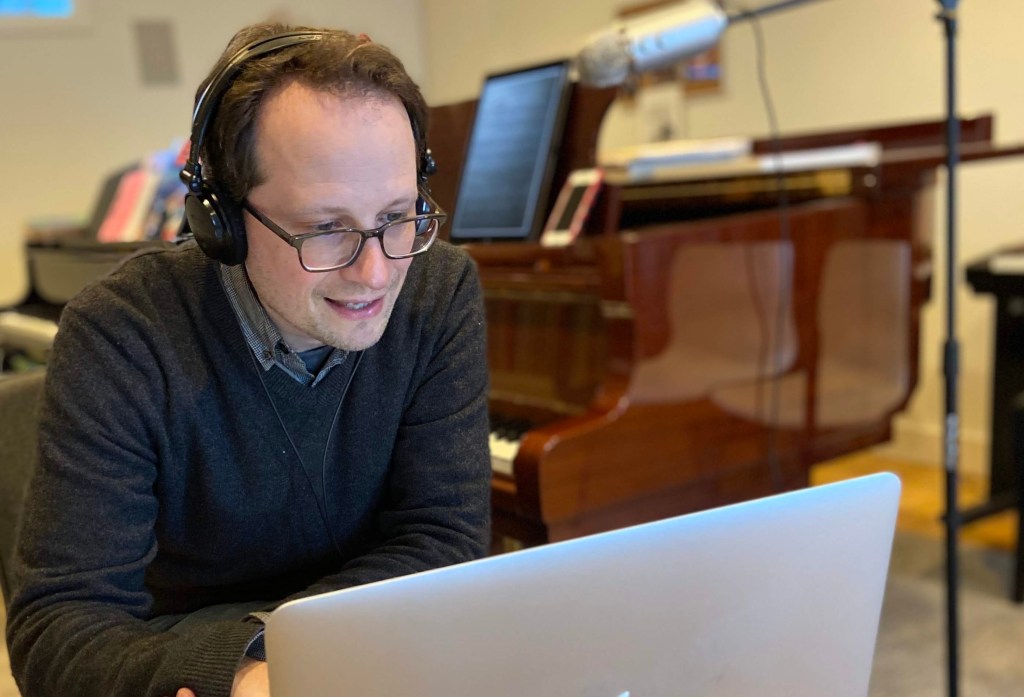
The improvement (even without an external microphone) if both parties are wearing headphones is immediately noticeable. When students do not have headphones, I often hear my voice echoing back to me, which is very distracting, and impedes the ability to speak back and forth. I do not recommend ear buds for the lessons. I recommend closed-back headphones with a very long cable. The audio is an improvement from the internal speakers of most devices.
Those three (Ethernet, Microphone, Headphones) will yield excellent results.
Here are a few additional ideas:
Webcam
Some webcams have good microphones and are themselves improvements over the internal microphones of laptops. I have not yet mentioned the difficulty of securing a good camera angle with a laptop or iPad, unless you have a dedicated adjustable stand. In most of my lessons, I am viewing a keyboard from an angle too low to actually see which keys are being played. Those students who have webcams are able to place the camera high enough so that I have a view of both student and keyboard – an ideal situation! On a platform such as Zoom, a teacher or student could easily use multiple webcams for different angles (above the keyboard, for example).
Monitor
Finally, a suggestion mostly for teachers. My online teaching experience improved significantly when I purchased a larger monitor, which I connected to my laptop. I kept my teaching assignments open on the laptop screen, and viewed the Zoom window on the monitor. Looking at a 21 inch screen resulted in far less strain on my eyes than my 12 inch laptop screen.
I hope that some of these suggestions will be helpful to teachers and students as we move into a new year of online learning.

Want to join the studio? Click here to contact me.
 Sivan Etedgee